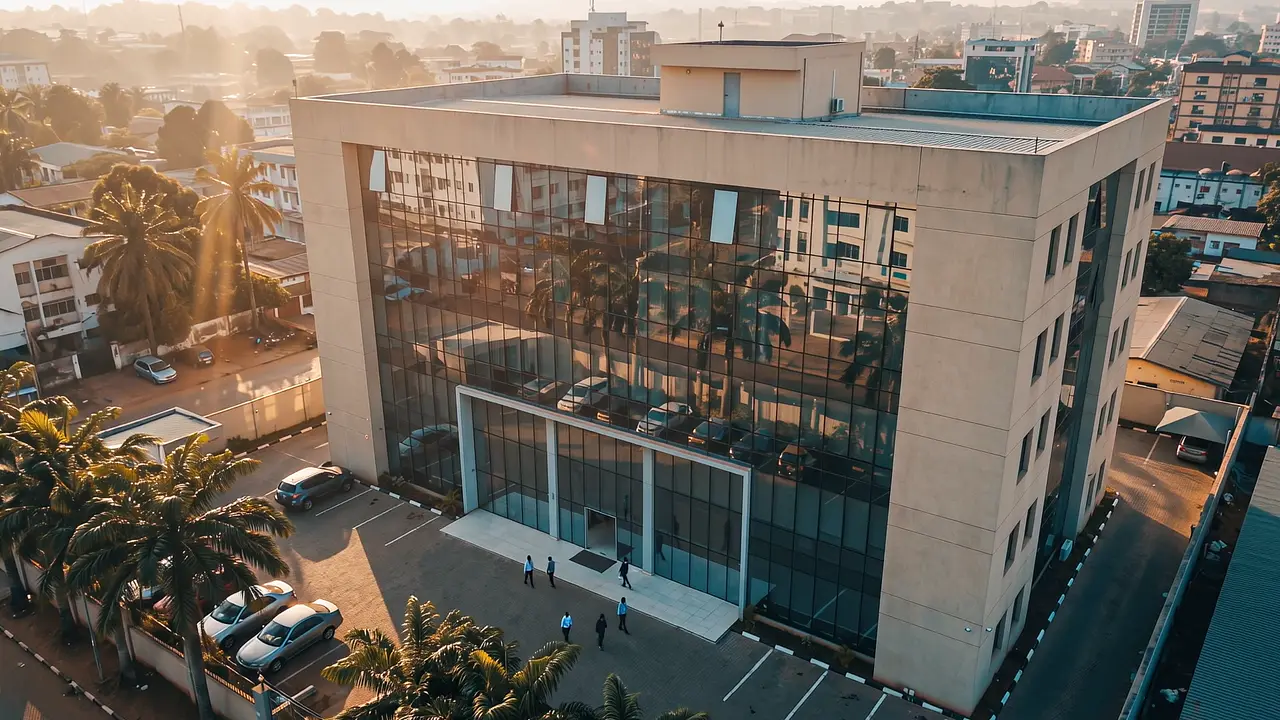
128 / 140 present · Main lobby · live
They clock in every morning.On payday, everything is already calculated.
OPTimes connects biometric clock-in, leave and payroll. No re-keying.


- 7,000+employees managed
- <5 minto run the payroll
- 6modules, one register
- 6 daysto go live
Compatible with: ZKTeco · Digital Persona · HIKVision — Your existing terminals connect without replacement, whatever the brand.
01Who it is for
One platform. Everyone sees only what concerns them.
Management, HR and the employee do not ask the same questions and do not have the same rights. Each opens the same records on their own screen.
Know who was there, and what it costs.
- Attendance rate by department, by site, by month
- This month's payroll cost, before payslips are approved
- Audit trail: who approved what, and when
Close the month without retyping a line.
- Late arrivals and absences flagged automatically, correctable by hand
- Leave and missions approved online, with immediate effect on payroll
- Payslips generated from the official salary scale, exportable as PDF
Their hours, their balance, their payslip.
- This month's clock-ins, from their phone
- Their leave balance and their online request
- Their payslips, downloadable at any time
02The chain
One day, one chain.
Nothing is re-entered between the moment an employee touches the terminal and the moment their payslip comes out. Here is what OPTimes does in between.
- 07:58
The terminal records
The employee places a finger. The clock-in goes straight to the platform, encrypted, and the row appears in the console within seconds.
- 09:18
The gap is qualified
Past the start time set in their schedule, the clock-in becomes a late arrival. A manager records the reason from the employee record.
- 10:12
The absence finds its cause
An approved leave request or a mission order covers the absence and removes it from the anomaly list. The leave balance updates at the same time.
- 16:30
The day is settled
Hours worked, overtime, justified and unjustified absences: the monthly counters advance with every clock-in.
- Month end
The payslip comes out
The engine applies the salary scale (category, grade, step), bonuses, deductions and progressive income tax brackets. The PDF payslip is ready.


03The document
An attendance sheet that holds up under audit.
A payslip can be disputed. An attendance sheet backed by terminal clock-ins, far less so. This is the document your HR team produces when asked to justify a month.

- Working days
- 21
- Days clocked
- 20
- Late
- 2 · 47 min
- Overtime
- 6h 20
Every cell traces back to a biometric clock-in.
Source : Terminal A3B7214360057 — raw clock-ins
Generated on 01/09/2026 at 08:12 by HR
Document fingerprint : 7F3A-C91E-04B2-88D0
01Every line traces back to a clock-in
No figure is typed by hand. The month opens all the way down to the terminal timestamp and the device serial number.
02Corrections stay visible
A justified late arrival does not replace the original clock-in: it sits next to it, with its author and its date.
03The same month gives the same document twice
The sheet regenerates identically as long as the month's data has not moved. What was handed to the auditor stays verifiable.
04Raw export on request
PDF for the file, CSV or Excel for the inspection. Your data is yours and leaves in an open format.
04At the terminal
What happens at the terminal.
The part other platforms leave unsaid, and the part that decides whether the deployment survives its first year.
- Connection
- Plugged in, no works
Your terminals join the platform without touching your network or your firewall. Your IT team has nothing to open and nothing to reconfigure.
- Hardware
- Your current terminals
ZKTeco, Digital Persona and HIKVision connect with no hardware replacement. The terminals we install support all three modes: fingerprint, face recognition and NFC card.
- Operations
- Remote
Restart, user sync, clock reset: from the console, without a site visit.
The power goes. The network drops. Clocking in carries on.
The terminal does not depend on the server
It identifies the employee and stores the clock-in locally. The server link is there to transmit, not to authorise.
Nothing is lost on reconnection
As soon as the link returns, the terminal sends everything that is missing. Timestamps stay those of the clock-in, not of the upload.
A clock-in sent twice stays one clock-in
The server recognises a record it has already received and ignores it. A cut mid-sync does not distort the month.
A UPS on the terminal and the access point: that is the only extra hardware we ask for.
05Trust
Your data stays put.
Biometric attendance and pay are two categories of data an institution does not hand over lightly.
Hosted with you or in DR Congo
Installed on your own servers, or hosted locally. Fingerprints and payroll data never leave the country.
One instance, several entities
Each department, campus or subsidiary has its own employees, terminals, salary scale and approval chain. The data never crosses over.
Every action is logged
Audit trail on creations, changes and approvals. Roles and permissions defined entity by entity.
We did not set out to digitise everything. We wanted an arrival time to stop being a matter of someone's word, an employee's absence to have a written cause somewhere, and the end-of-month payslip to stop being a subject of dispute.
Enywork SARL builds and deploys OPTimes from Kinshasa. Our own teams install the terminals, enrol the employees and train the HR departments — we do not subcontract commissioning.
06Deployment
Six days. Then your terminals run the payroll.
A standard deployment of up to 500 employees and 5 terminals is live in under six working days, without interrupting operations.
- Day 1
We look at your hardware
Your terminals, your headcount, your shift patterns, your salary scale. An hour is enough to say what connects as-is and what needs new hardware.
- Days 2 to 4
We configure and enrol
Server installed, terminals connected, schedules and salary scale configured. Fingerprint enrolment runs in parallel, department by department.
- Days 5 and 6
We train, then we hand over
Two days of training, on site with the Pro and Institution plans, remote with the others. Then the online documentation, and dedicated support for the first six months. After that, the platform is yours.
Let's look at your case.
Tell us how many employees and terminals you manage. We come back within 24 hours with a demo built on your own use cases.
More than 500 employees? Let's talk directly07Questions
Frequently asked questions
How is pay calculated?
The engine combines your official salary scale (category, grade, step), the real attendance for the month, approved leave and closed missions, then applies the progressive tax brackets you configure.
Does OPTimes suit a private company?
Yes. Salary scale, leave types, bonuses and tax brackets are configurable per entity. Private companies use it for attendance, overtime and payroll compliance.
What if we have several sites or entities?
The multi-entity architecture runs several departments, campuses or subsidiaries from a single instance, each with its own terminals, employees, salary scale and rules.